
Shortcuts streamline common actions, improve focus by minimising context switching, and support a smoother workflow—particularly for power users and those working under time pressure. Keyboard shortcuts also enhance accessibility, enabling users with mobility or dexterity needs to interact with AYOA more easily and consistently.
Keyboard shortcuts currently available can be seen when in Mind Map view
Head to the top right hand corner and select
Settings > Display Options > Speed Keys
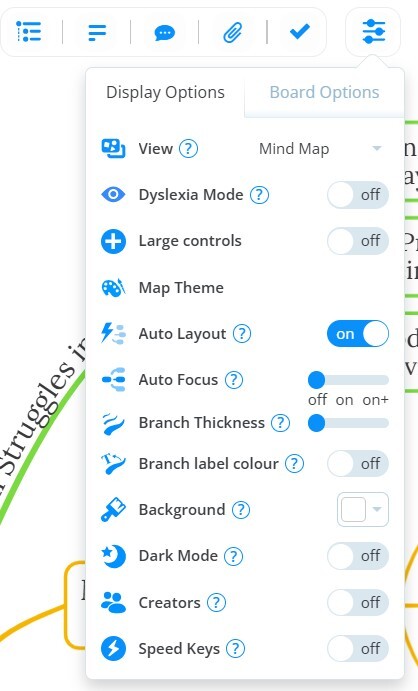
You should then be presented with this transparent overlay detailing the available keyboard shortcuts:
Our accessibility features are often under review to help us deliver continual improvement to our users.
Please let us know if you have a feature suggestion to help with your needs!